
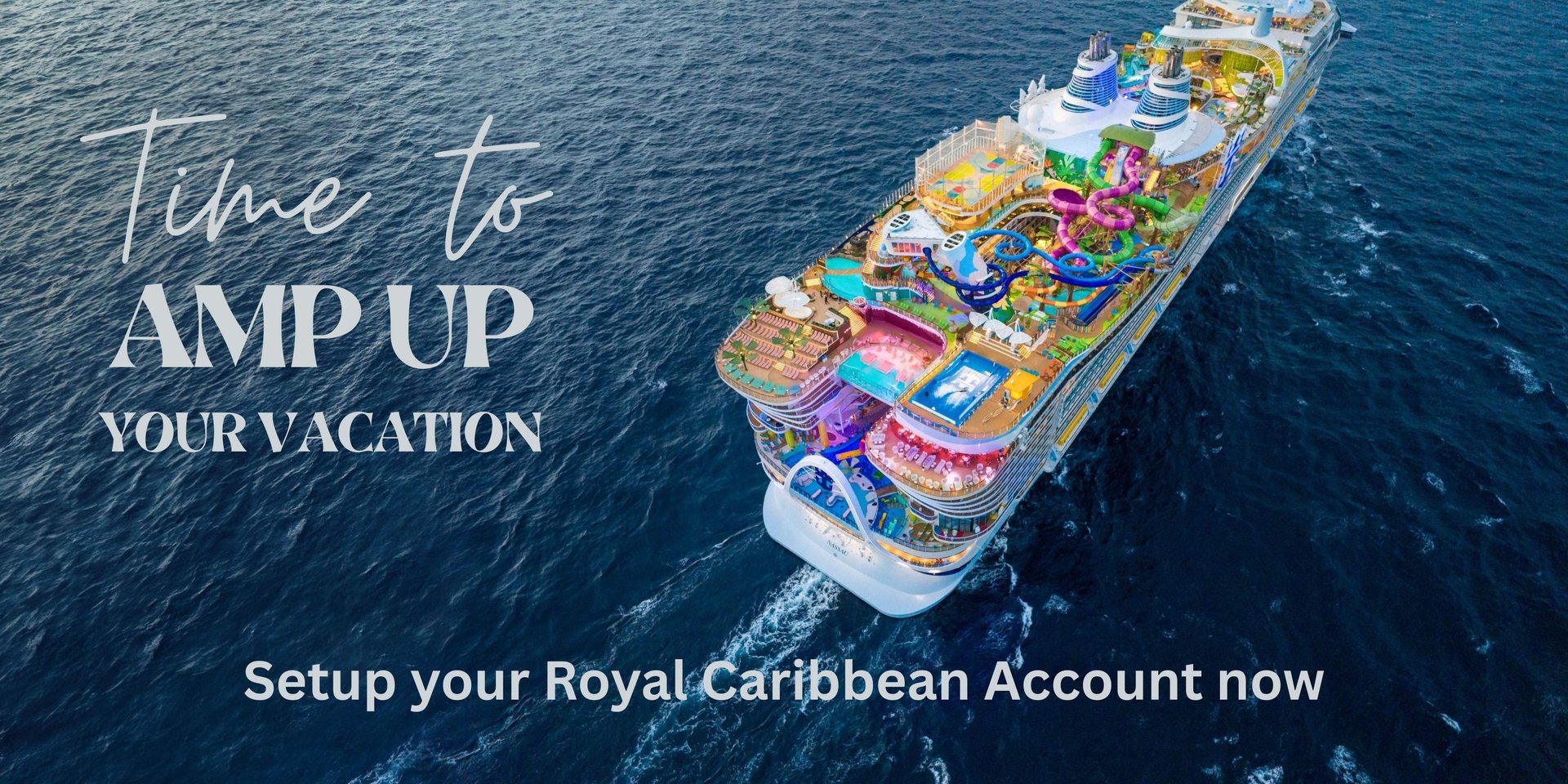
Congratulations on booking your next big adventure aboard an amazing Royal Caribbean ship. We want to make sure you get the most out of your vacation so now is the perfect time to plan your upcoming cruise. Follow these steps to set up a Royal Caribbean account and get access to your booking. Once you have access to your booking you can shop and purchase shore excursions, drink packages, spa packages, book shows and so much more. You can do this through the website on a browser or through the Royal Caribbean app, but we recommend initially to do this on the website using a computer
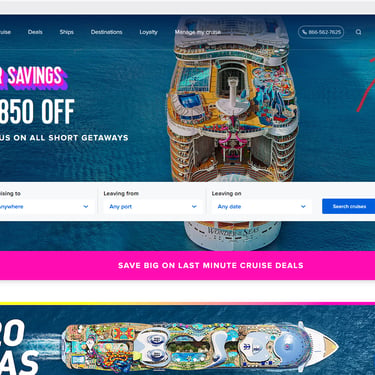
Click on Sign In located on the top right side of the screen
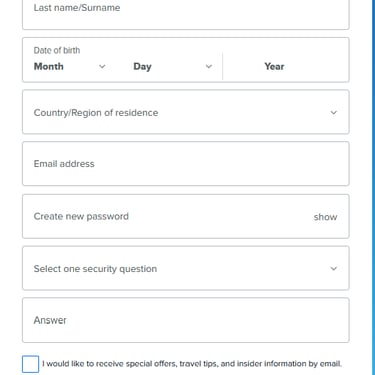
Click on Create an Account
Make sure you use the same name and birthdate that you provided us during the booking process. If you use a different name or spelling is incorrect or the birthdate is different you will not see your booking.
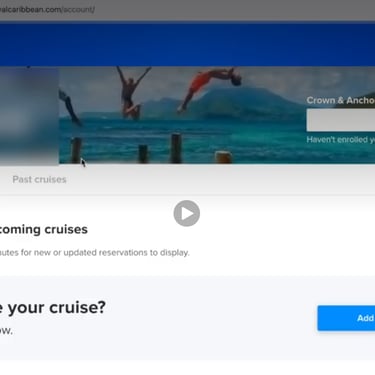
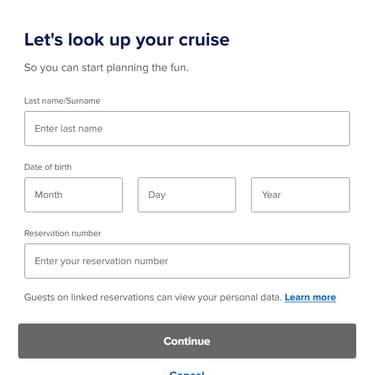
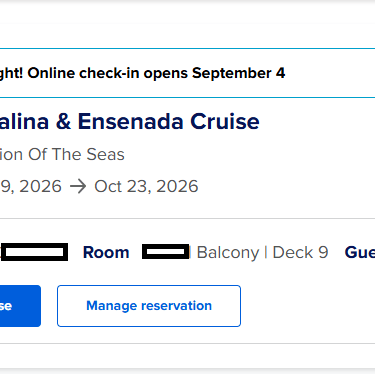
Once your account is created your upcoming cruise will be listed. If your cruise is not showing up, click on the Add a cruise.
You will then add your Last Name, make sure it matches the name you provided us during the booking process.
You will then add your Date of Birth, make sure it matches the date of birth you provided us during the booking process.
You will then add the Reservation Number. This number is on the Booking Confirmation that was emailed to you. It will be listed under General Information listed by Reservation ID. It is typically a seven digit number.
You should now see your booking. If not call our cruise experts at (562) 459-4597
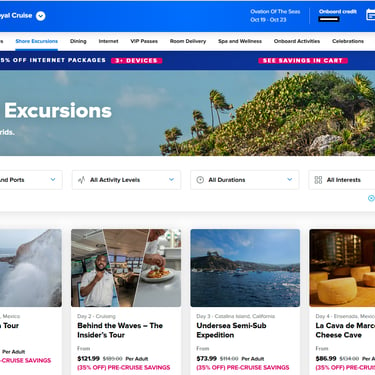
Click on Plan my cruise. From here you can book beverage packages, shore excursions, Dining, Internet packages, Spa and so much more. In most cases you can book an experience from here and have the option to cancel up to 3 days prior to the experience for a full refund (see terms and conditions). Many experiences sell out well in advance of the cruise so book early to ensure availability.
Note: It is important that each traveling member 12 years and older set up their own account. This will simplify the process of making reservations and checking in. Once an account is made for everyone in your party we HIGHLY recommend you download the Royal Caribbean app. You will use the same username and password you used in the initial account setup. The Royal Caribbean app can be used to book experiences, make reservations, online check in (once it is available), it will have your boarding pass on the day of embarkation and once onboard you can use the app to see a schedule of all the events throughout the day.
Download the Royal Caribbean App today
Watch some of our most popular videos on YouTube...don't forget to subscribe!




We're Social
Let's talk
Stay in the know!
562-459-4597
© 2026. All rights reserved.